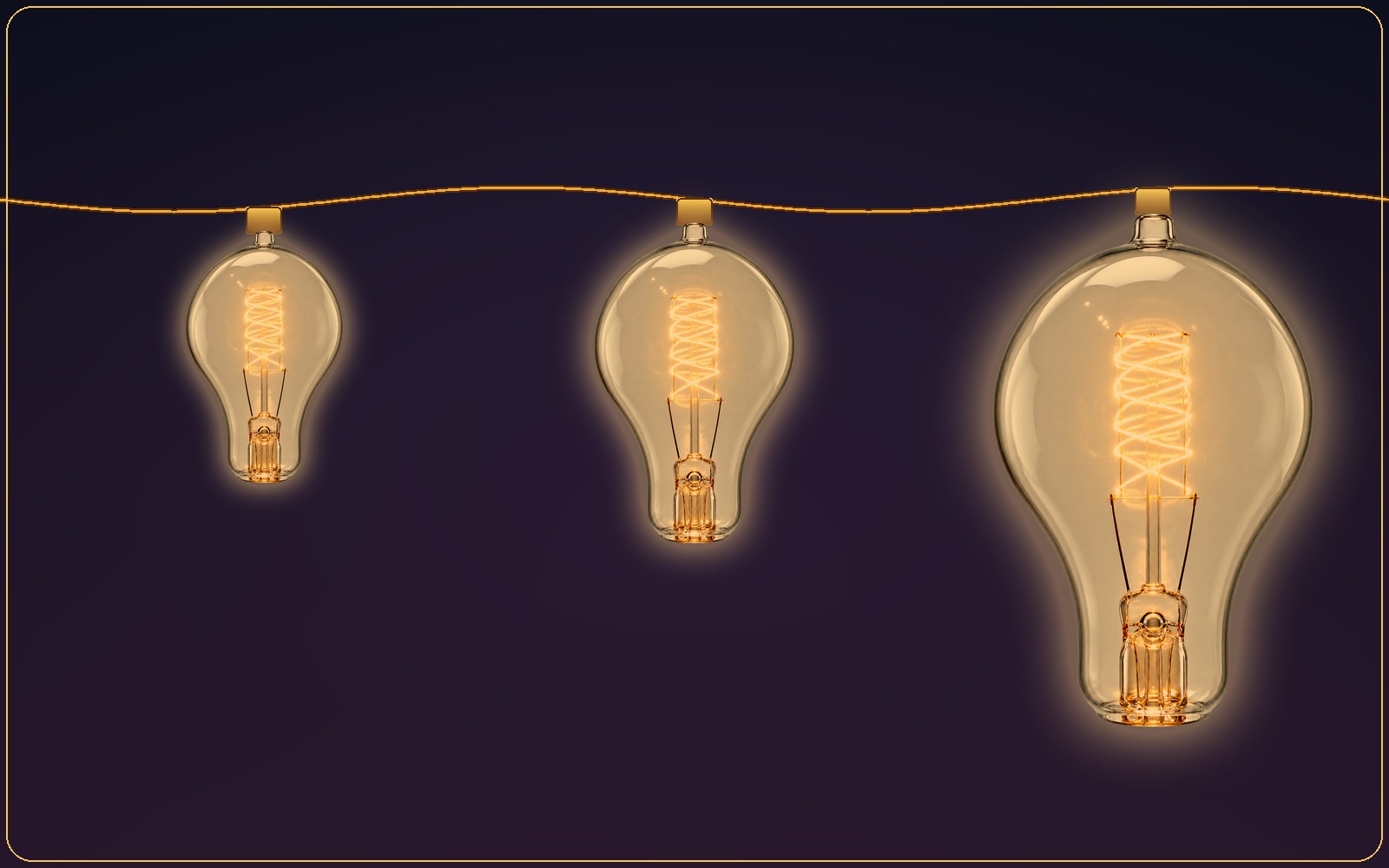
Bulb sizes and shapes
As subtle or as bold as you want.
Small, Medium, Large, or XL—shown here at Small, Medium, and XL. Pick a size that stays out of the way or one that makes a statement.
Small app. Big atmosphere.
Every control is close at hand in the menu bar, while the lights stay quietly behind your work.
Five placement options
Choose every edge, top and bottom, top only, bottom only, or left and right. Watch each placement in action.
Bulb sizes and shapes
Small, Medium, Large, or XL—shown here at Small, Medium, and XL. Pick a size that stays out of the way or one that makes a statement.
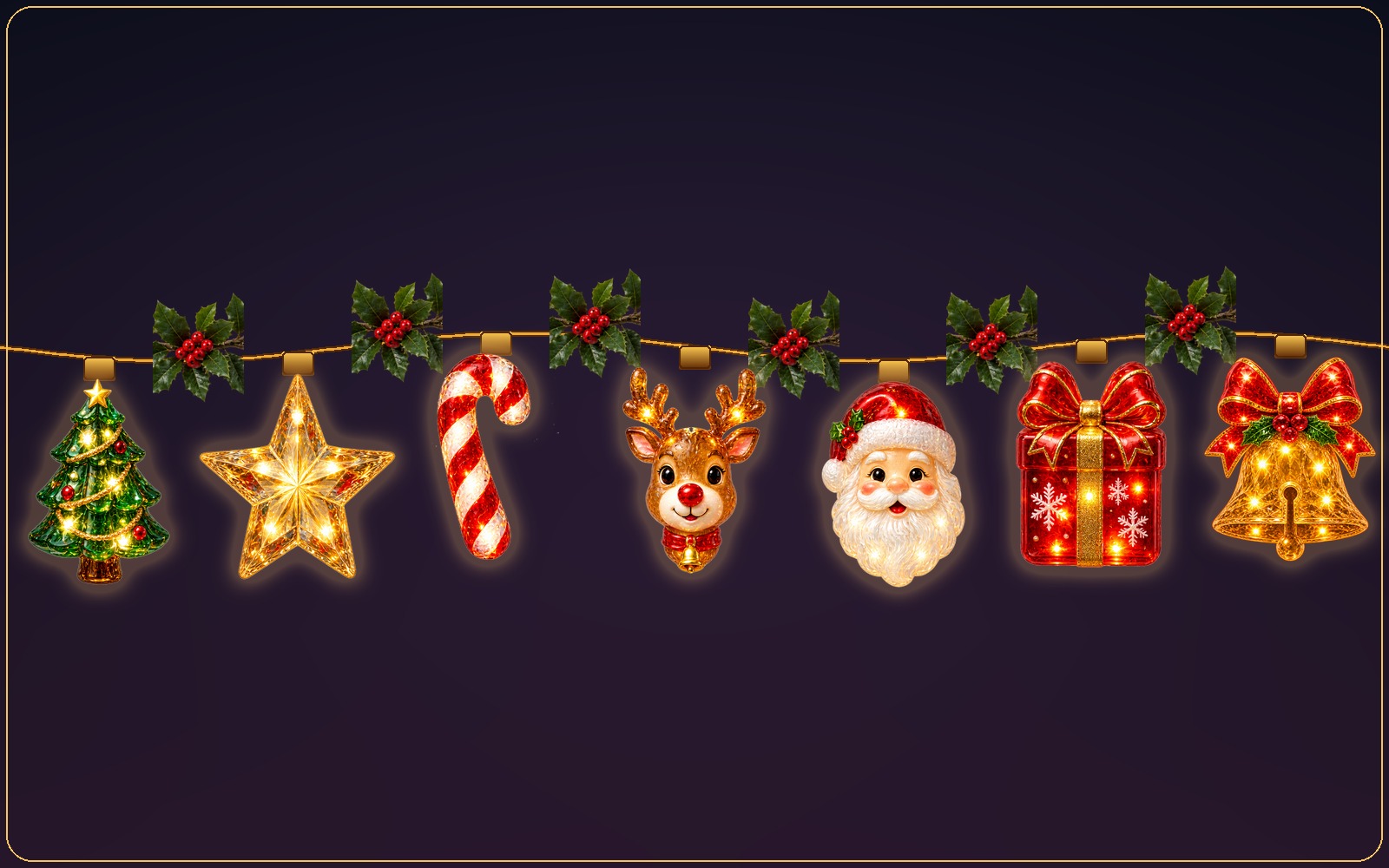
Garlands and wreaths
Selected collections pair their own ornaments with a matching garland—shown here is Classic Christmas's full set with its Holly & Berry garland, exactly as they appear together in the app.
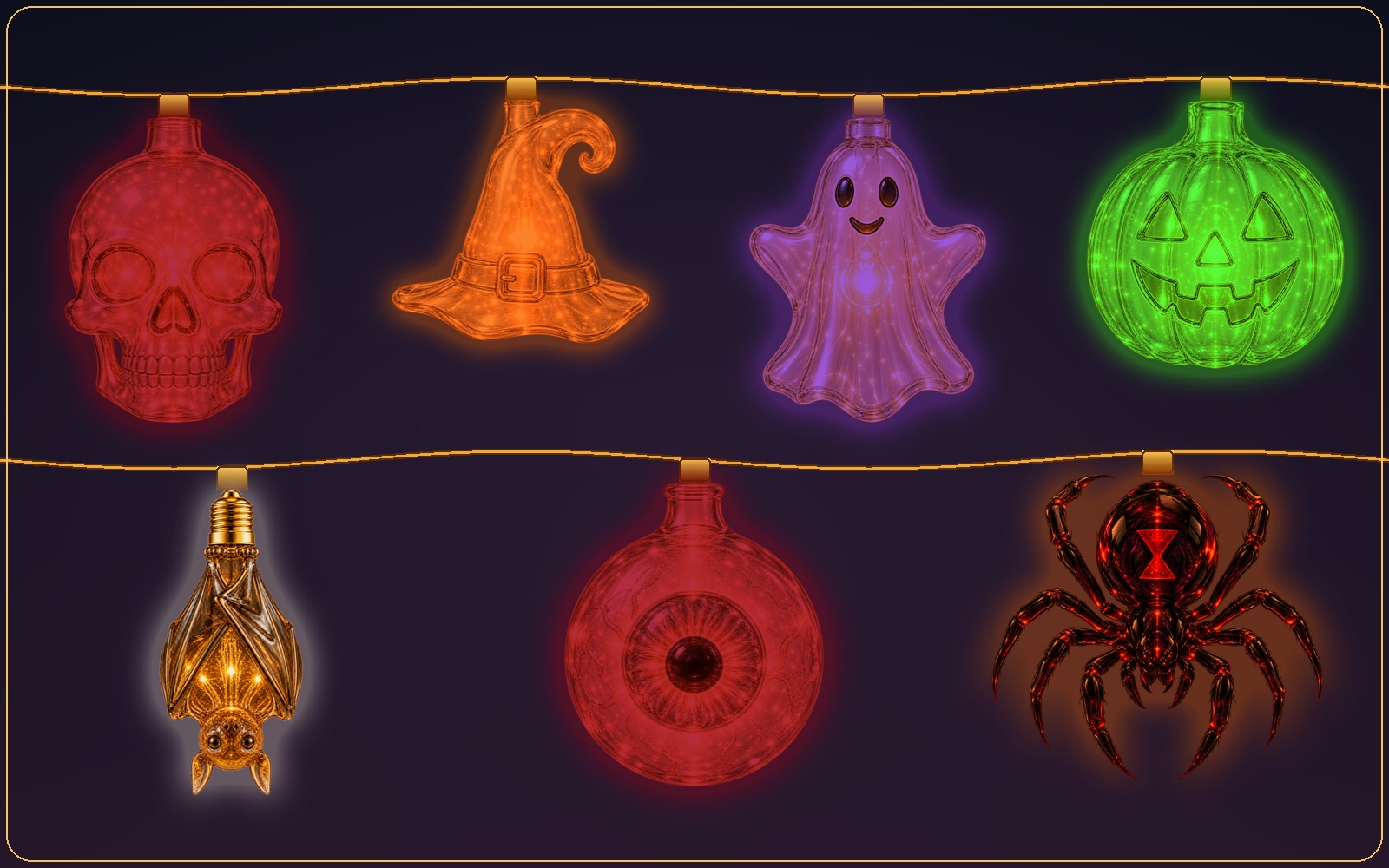
Holiday collections
Haunted Glow brings Halloween to your screen—one of several holiday collections, alongside Christmas and Filipino Pasko favorites, so the festive mood never has to compete with getting things done. Browse holiday collections →
Everything within reach
Fine-tune how Desktop Lights looks and behaves without turning decoration into a distraction.
Turn lights on or off and switch looks without opening a full-size app.
Frame all sides or select the top, bottom, left, or right edges.
Decorate connected displays at the same time—tested with setups of up to two displays.
Move your cursor toward the menu bar or the Dock and the lights on that edge slide out of view in an instant, then settle back the moment you're clear.
Use warm classics, coordinated color sets, or collection-specific tones.
Running lights, alternating glow, twinkle, all-blink, and steady light.
Slow the scene down for calm or make it lively for celebrations.
Display coordinated greeting designs included with select seasonal collections.
Toggle the lights quickly without interrupting your current task.
Have your preferred lights ready when you start your Mac.
Installed collections and saved preferences remain ready without a constant connection.
Basic Lights and Everyday Joy are included, with handcrafted collections available when you want more.