Download the free app
Get Desktop Lights from the Mac App Store. It runs from the menu bar, with no Dock icon.
Holiday desktop decorations
Desktop Lights hangs animated Christmas lights around the edges of your Mac screen. Classic string lights are free; add ornaments, garlands, and greetings from Classic Christmas, Nordic Christmas, and Filipino parol collections. The lights slide out of the way near the menu bar and Dock, so you can keep working.
Requires macOS 13 Ventura or later. No account or subscription required.
How it works
Get Desktop Lights from the Mac App Store. It runs from the menu bar, with no Dock icon.
Start with free Basic Lights, or choose Classic Christmas, Nordic Christmas, or a Filipino parol collection.
Decorate every side, top and bottom, top only, bottom only, or left and right. Then set colors, bulb size, and animation—running, twinkle, alternating, all-blink, or steady.
Christmas collections
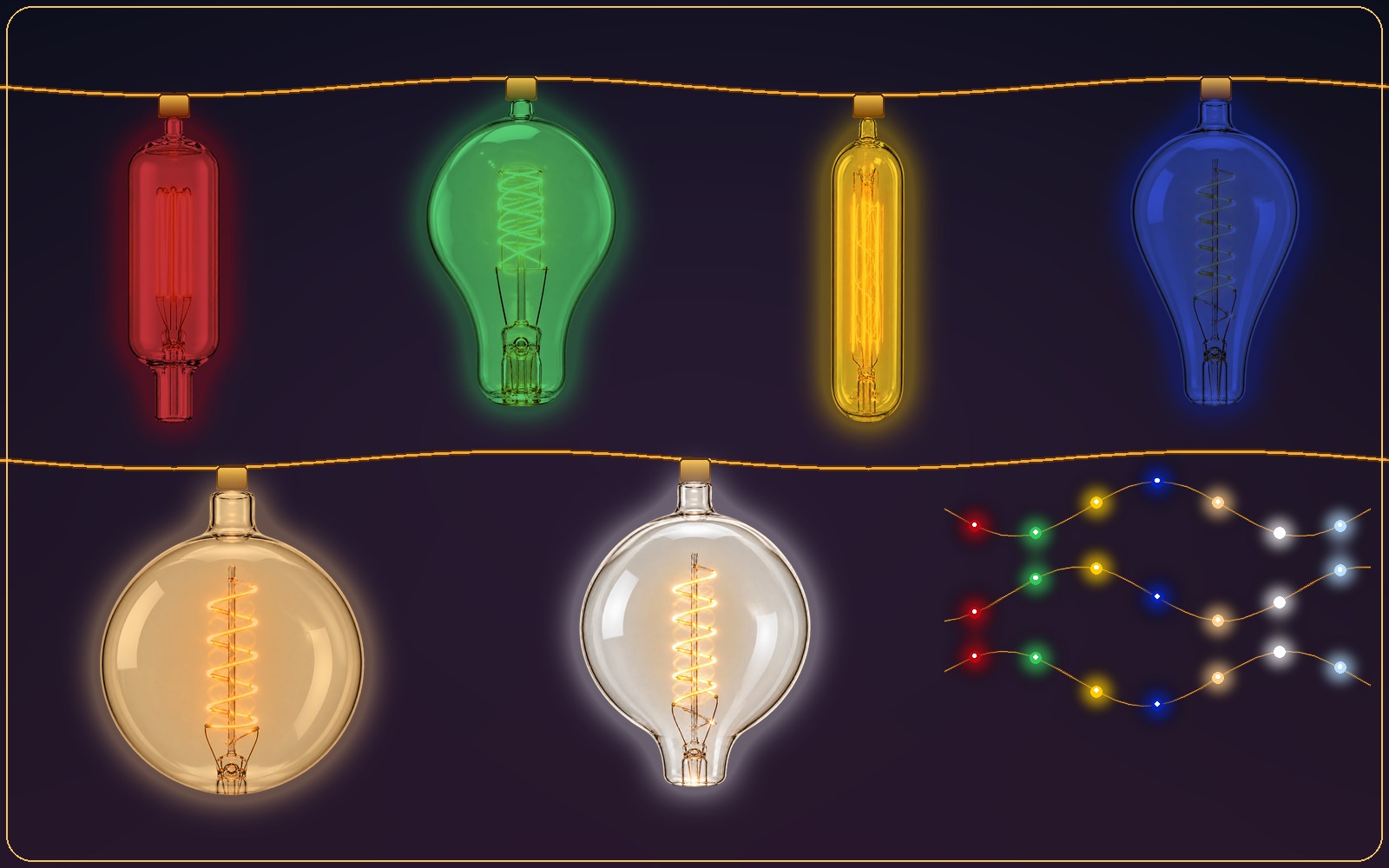
Classic multicolor string lights in six bulb styles, included with the app.
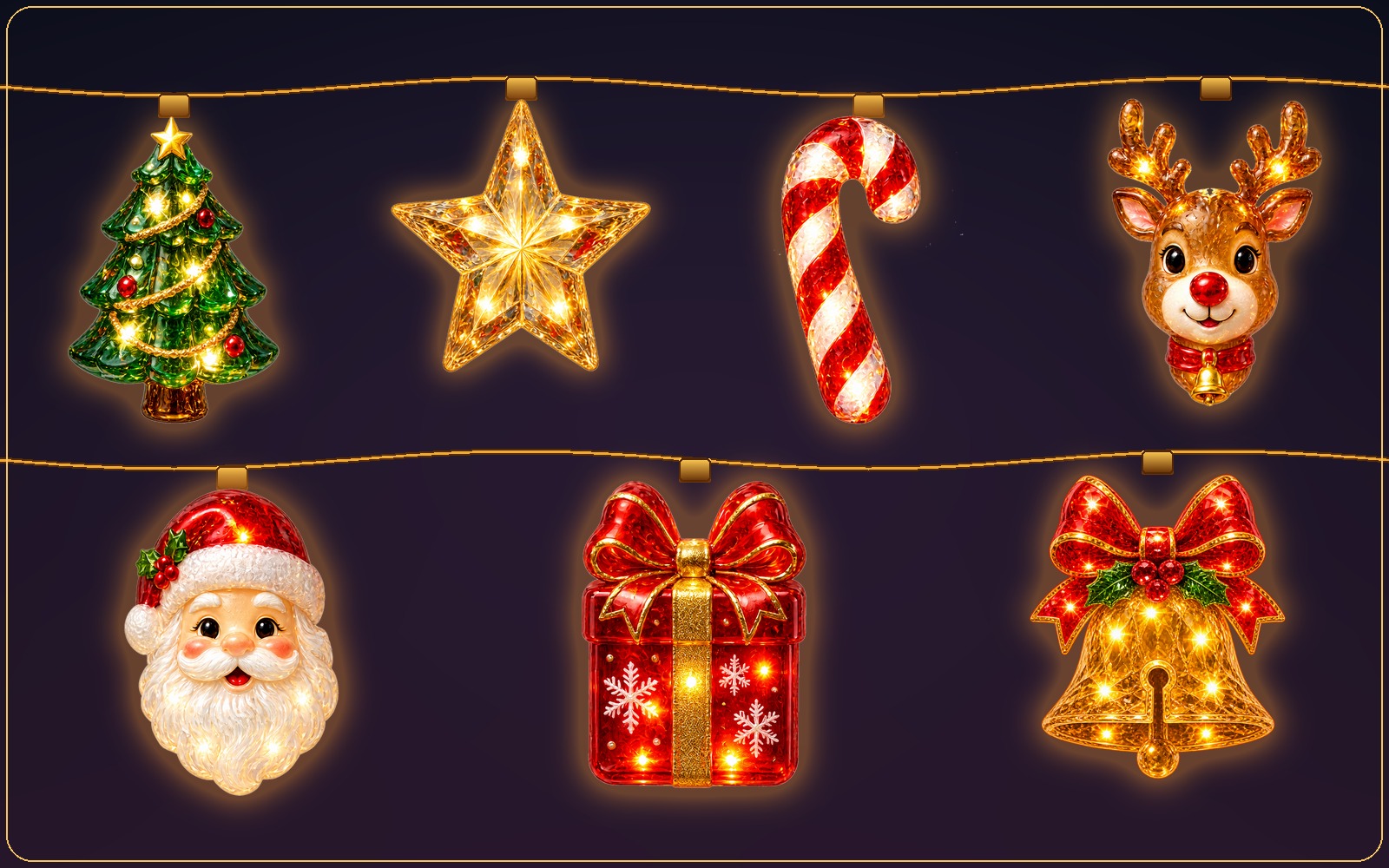
Trees, stars, candy canes, Santa, holiday greetings, and a Holly & Berry garland.
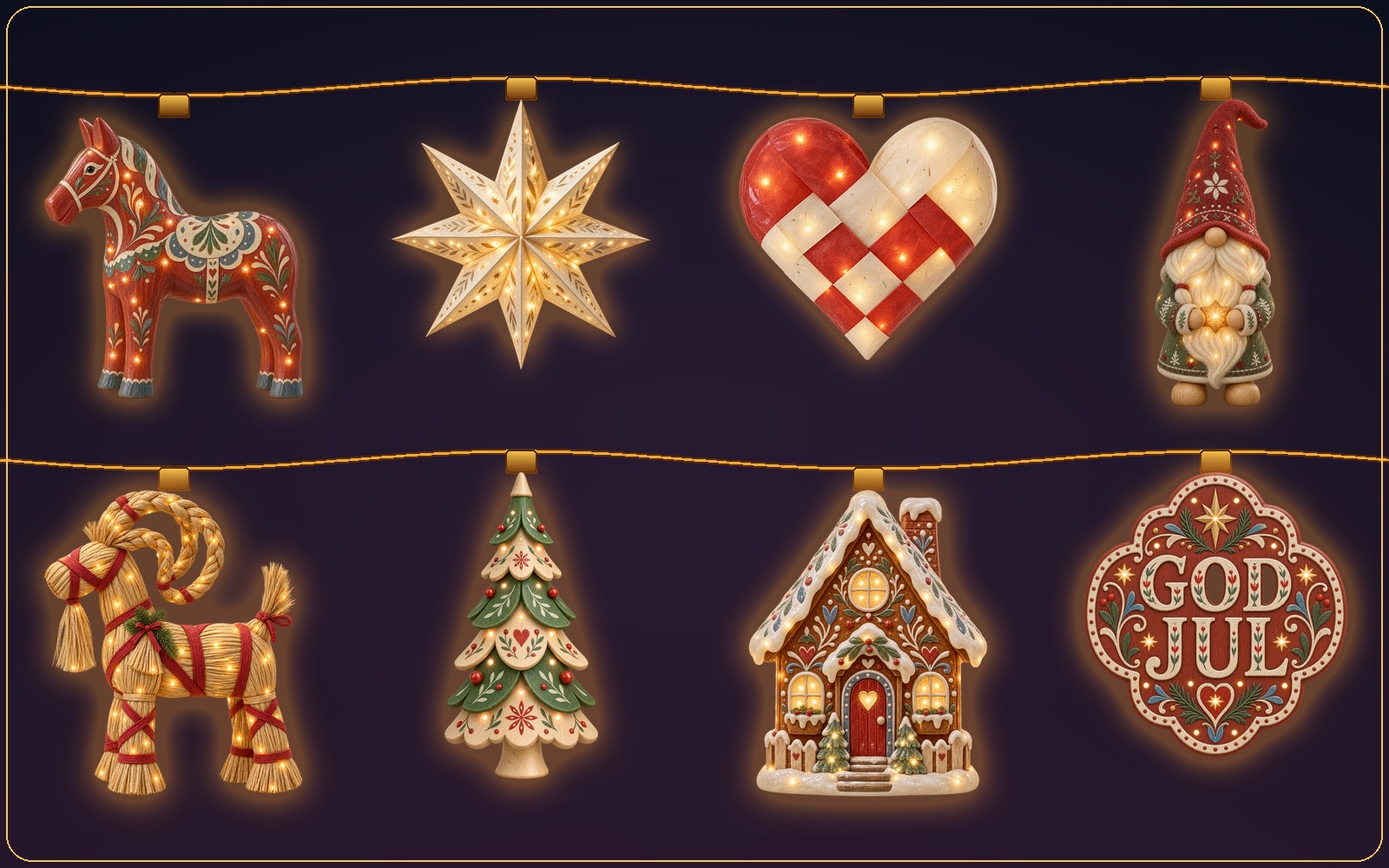
Scandinavian folk ornaments and a wooden-bead garland in warm, natural colors.
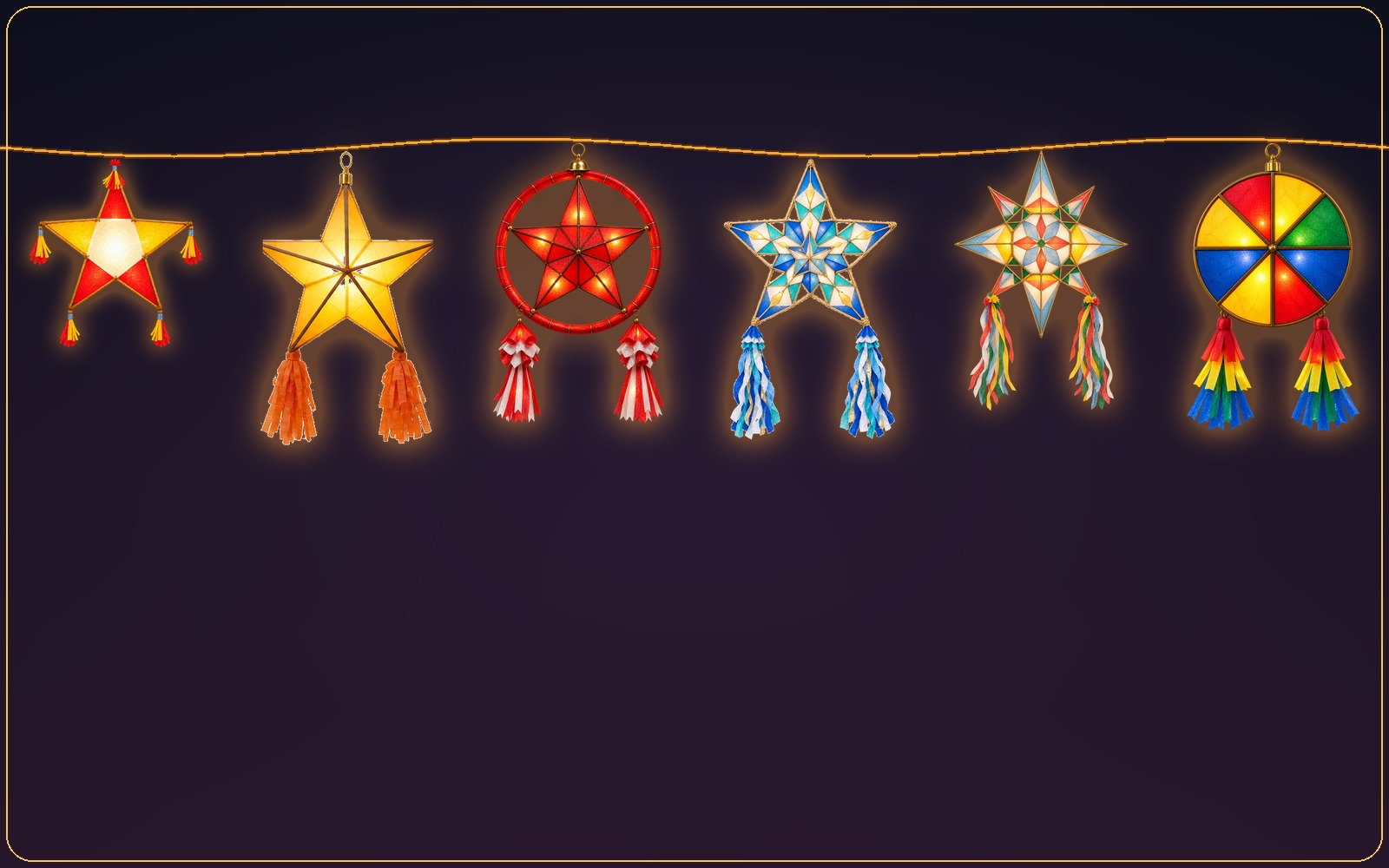
Paper parols, Maligayang Pasko greetings, banderitas, and poinsettias.
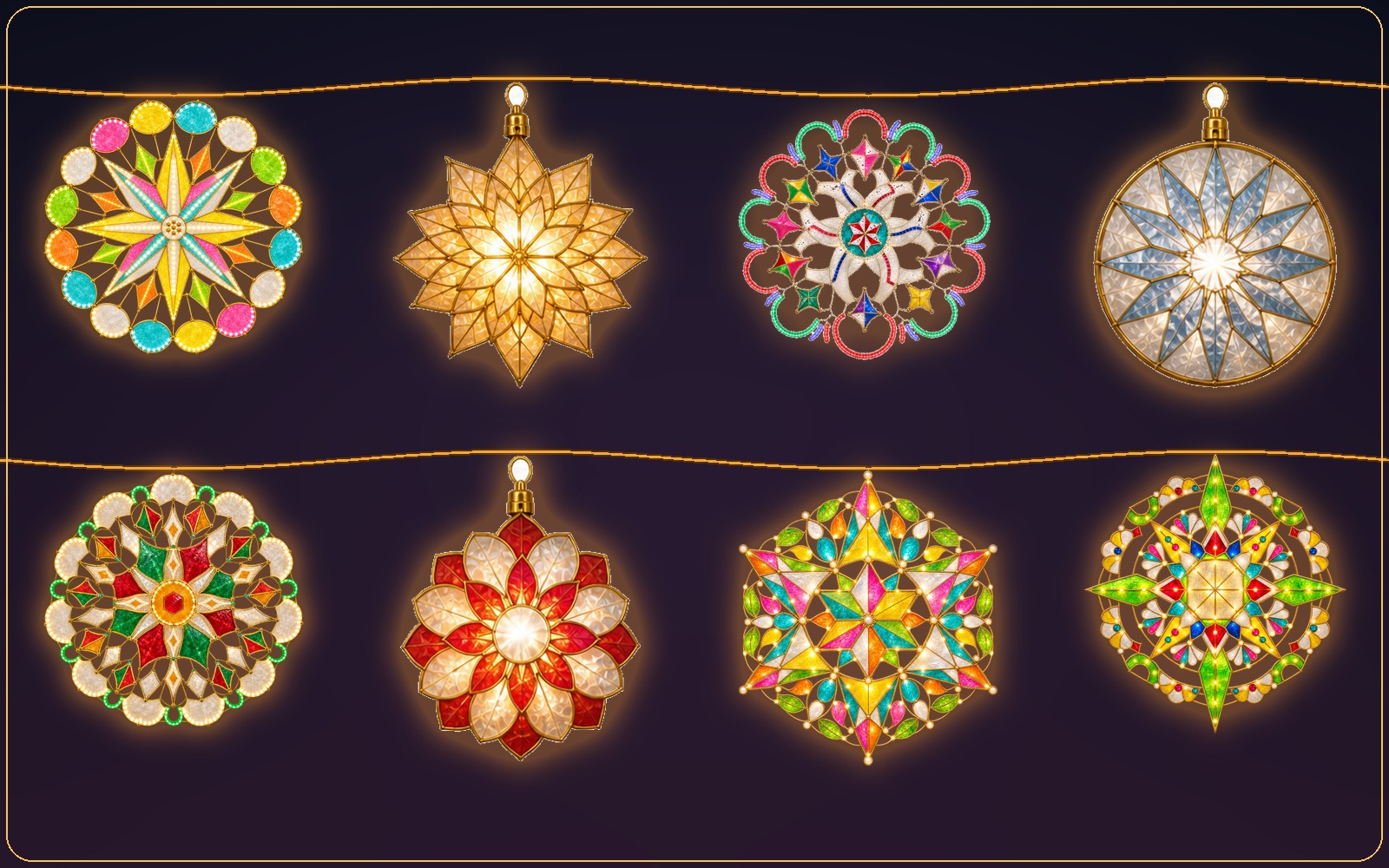
Layered capiz-shell parols with gold and silver star garlands.
Five placement options
Every edge, top and bottom, top only, bottom only, or left and right—and the lights near your menu bar and Dock step aside when your cursor gets close.
Yes. Desktop Lights is free and includes Basic Lights, classic multicolor string lights with all placement, color, and animation controls. Themed Christmas collections with ornaments, garlands, and greetings are optional one-time purchases.
Classic Christmas (trees, stars, candy canes, Santa, greetings, and garlands), Nordic Christmas (Scandinavian folk ornaments and a wooden-bead garland), Filipino Parol (paper parols, Maligayang Pasko greetings, banderitas, and poinsettias), and Premium Capiz Parol (layered capiz-shell parols with star garlands). The two parol collections are sold together, only as the Filipino Christmas Bundle.
Yes. Choose every edge, top and bottom, top only, bottom only, or left and right. The lights on the menu bar and Dock edges slide out of view when your cursor approaches, so they never block what you need.
Switch to a year-round collection such as Basic Lights, Fairy Garden, or Celestial Dreams, or choose Turn Lights Off from the Desktop Lights menu bar icon. Purchased Christmas collections stay in the app for next year.
Desktop Lights requires macOS 13 Ventura or later and can decorate connected displays at the same time, tested with setups of up to two displays.
Start free with classic string lights, then add the Christmas collection that feels like home.